
Accessibility#
When we think of accessibility, we tend to picture it as something designed for a small minority. The reality is much broader: 16% of the world’s population — 1.3 billion people — live with a significant disability¹. In Brazil alone, where I live, that means around 14.4 million people report some form of disability². And those numbers capture only permanent disabilities.
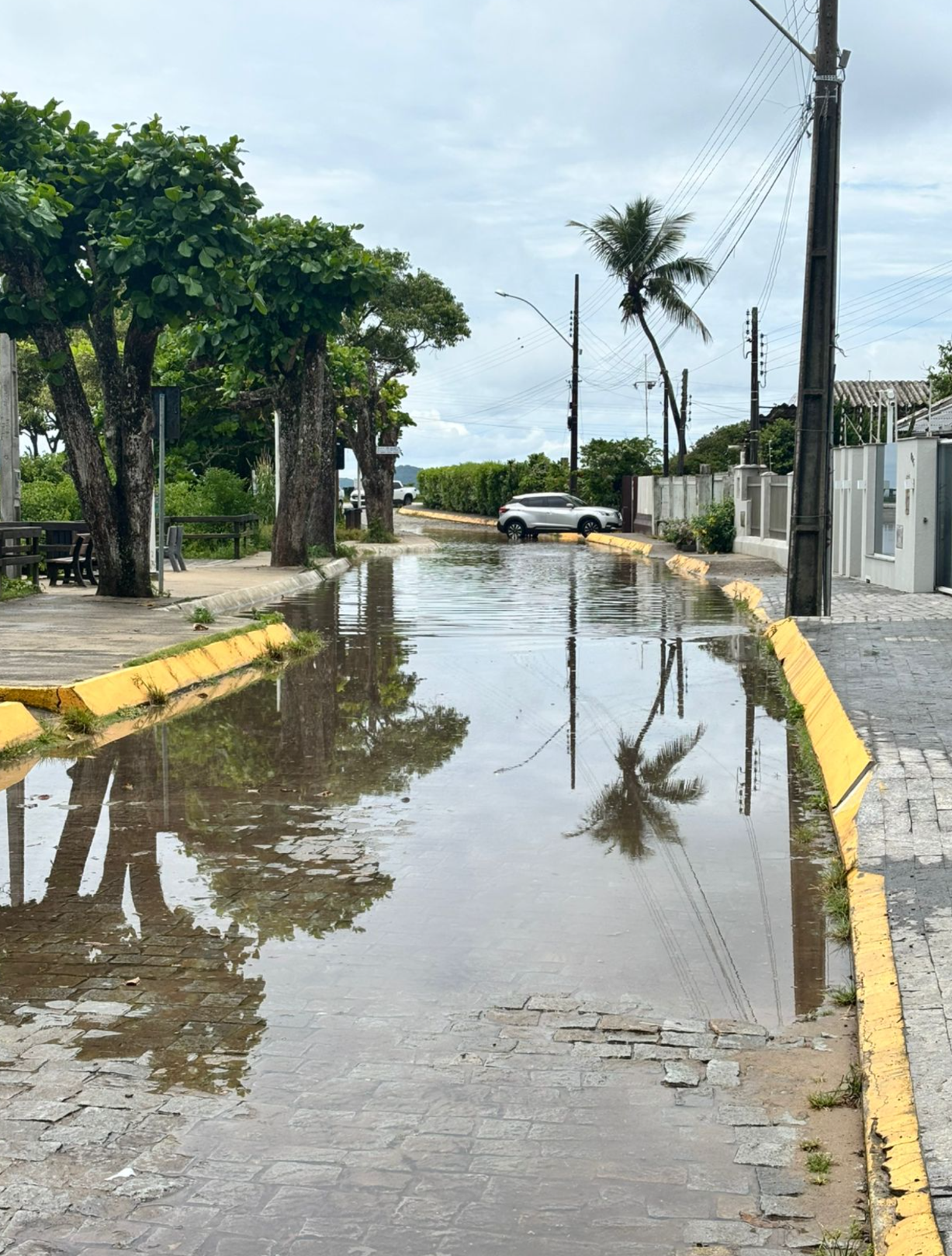
If you include aging, pregnancy, injuries, chronic pain, fatigue, or even parents pushing strollers over broken sidewalks, accessibility becomes a universal human experience. Urban life constantly generates cognitive and physical barriers — stairs, narrow doors, unreadable signs, tiny fonts, irregular paving, seas of cars.
Digital Accessibility: PDF documents#
Accessibility is not only ramps, sidewalks and physical barriers. Digital spaces also need to be accessible. One example: PDF documents.
Most PDFs are not built with accessibility in mind. They may look fine on screen, but assistive technologies — screen readers, for instance — can’t interpret them. The alternative is a tagged PDF i.e. one that contains a hidden structure like headings, paragraphs, lists, tables, reading order. For blind, dyslexic or screen-reader users, a tagged PDF is the difference between reading and not reading.
Igalia Contributions to Tagged PDFs#
Recently, the built-in Chrome PDF viewer has been making major improvements. It increasingly recognizes accessibility tags, exposes page structure to screen readers, and respects semantic order rather than visual layout.
This is the kind of engineering that makes the web more legible to more people — and it’s work Igalia has been contributing over the past few months.
--enable-features=PdfTags), Chrome reads the document’s accessibility structure rather than ignoring it. ChromeVox, the screen reader tool, detects all four headings, and the images appear in the order defined by the structure tree.